Measure TV Base Width for a Waveform Stand Fit
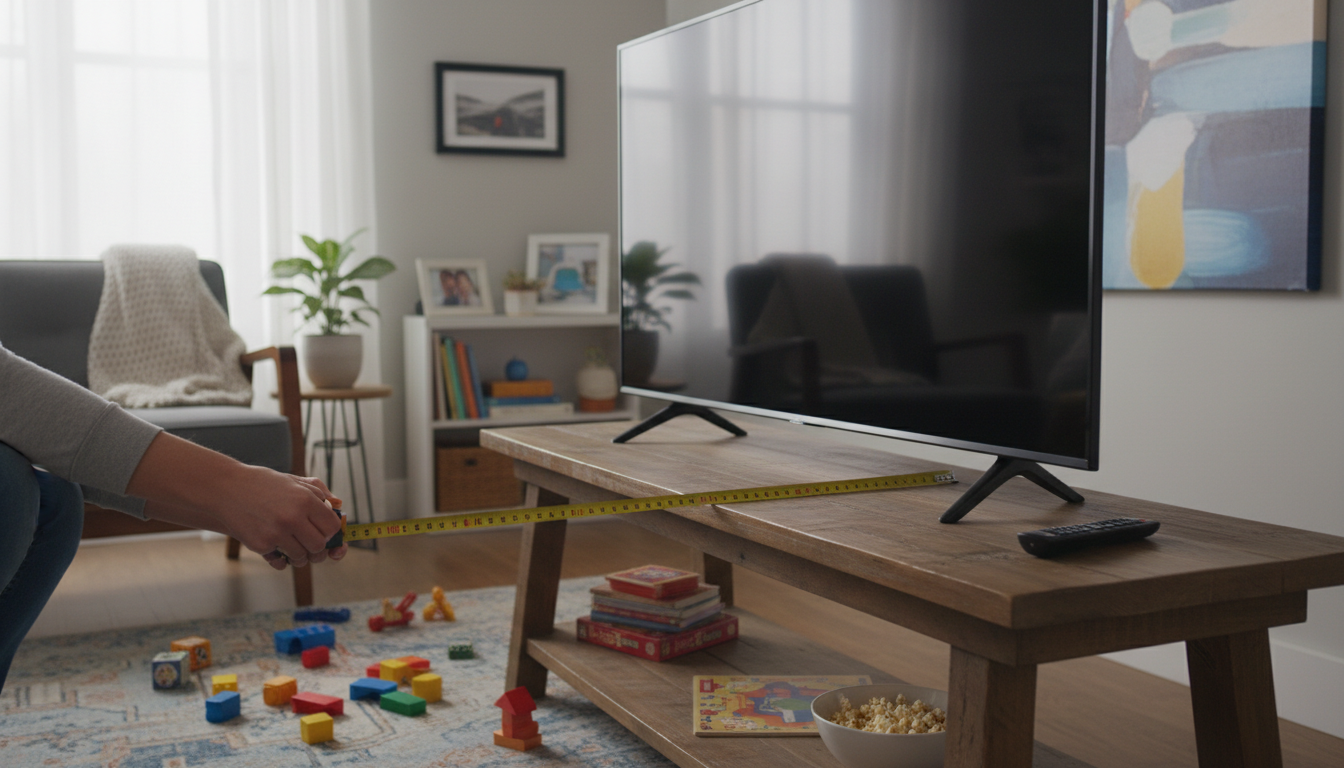
How do I measure my TV’s base width to make sure it will sit securely on a waveform-style TV stand?
Answer
To measure your TV’s base width for a secure fit on a waveform-style TV stand, focus on the actual footprint that will touch the stand—not the screen size listed on the box. Start by placing the TV on a flat, stable surface. If it’s already mounted on its factory legs, keep the legs installed and in their current position so you’re measuring the real setup you’ll use.
Next, measure the distance between the two outermost points where the TV makes contact with the furniture. For TVs with two separate feet, this is typically the outside edge of the left foot to the outside edge of the right foot. Use a tape measure and keep it straight and level; measuring diagonally can add an inch or two and lead to a poor fit. Write this number down as your “base width” or “stand footprint width.”
If your TV uses a center pedestal, measure the widest part of that pedestal that actually rests on the stand. Some pedestals flare at the bottom, so don’t assume the narrow neck is the footprint. Also measure the depth (front-to-back) of the pedestal or feet. A waveform-style top often has curves, so confirming depth helps ensure the base won’t overhang in front or back.
Finally, compare your measurements to the usable flat area on the TV stand’s top surface (not just the overall stand width). For a steadier setup, aim for a little breathing room on each side of the TV’s base rather than a perfectly tight fit, and confirm the stand’s weight capacity. For size guidance and what to check on waveform designs, see the full guide here: waveform wood TV stand fit and style guide.
FAQ
What if my TV has adjustable leg positions (wide vs. narrow)?
Measure the footprint in the exact leg position you plan to use, then confirm the stand’s top surface supports that width with a small margin. If the wide setting doesn’t fit, switch to the narrow setting and re-measure before placing the TV.
















Leave a comment